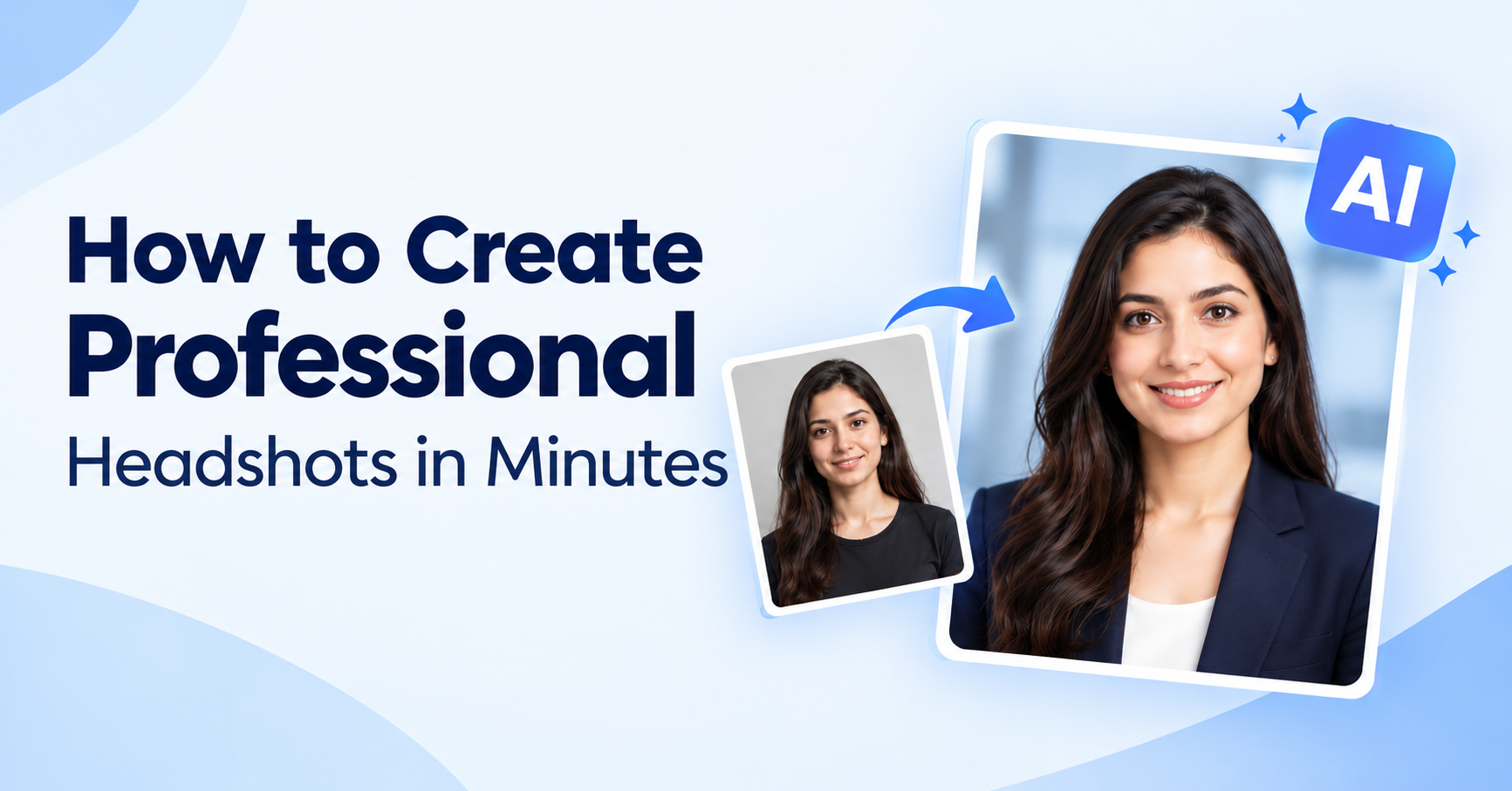
AI Headshot Generator: How to Create Professional Headshots in Minutes
Introduction
A good first impression now happens on a screen. Recruiters check your LinkedIn page, clients look at your website, and colleagues see your photo in every chat. Yet booking a studio session can cost a lot and take weeks. That is why an AI headshot generator has become the fastest way to get professional headshots without leaving your home.
In this guide, you will learn what an AI headshot generator is, how it works, what makes a great result, and how to create AI headshots you can actually use on LinkedIn, your resume, and your company profile.
What Is an AI Headshot Generator?
An AI headshot generator is a tool that uses artificial intelligence to turn your everyday selfies into polished, studio-style portraits. Instead of hiring a photographer, you upload a few clear photos, and the AI creates a clean, well-lit headshot photo with a professional look.
Most tools can improve lighting, smooth the background, and place you in business attire, so the final image looks like it came from a real studio. Many people now use a free AI headshot generator to test the results before they commit to anything.
Why Professionals Are Switching to AI Headshots
Traditional photography still has its place, but AI headshots solve problems that many people face every day.
- Speed: Get results in minutes instead of waiting days for edits.
- Cost: Skip the studio fee, travel, and outfit changes.
- Convenience: Create your LinkedIn headshot from your phone, any time.
- Variety: Try different backgrounds and styles until one feels right.
- Consistency: Keep the same look across your resume, website, and social profiles.
For freelancers, job seekers, and small teams, an AI headshot generator makes it easy to look polished without a big budget.
How Does an AI Headshot Generator Work?
The process is simpler than most people expect.
- Upload your photos. Choose clear, front-facing selfies with good light.
- Pick a style. Select a background and outfit that match your industry.
- Let the AI work. The tool studies your face and builds a refined, realistic portrait.
- Download and use. Save your favorite result and add it to your profiles.
With FotoTweak, you can explore our AI headshots tool for a quick, guided experience, or visit our business headshots page for a more corporate look.
Tips for Getting the Best Professional Headshots with AI
The quality of your result depends on the photos you start with. Follow these simple tips to get the most from any AI headshot generator.
Use Good Lighting
Stand facing a window so natural light falls evenly on your face. Avoid harsh shadows and strong backlight.
Keep the Background Simple
A plain wall works best. This helps the AI focus on your face and create cleaner, professional headshots.
Upload Several Angles
Add photos with slight changes in expression and angle. A natural smile and a calm, confident look both help the AI understand your features.
Avoid Heavy Filters
Skip beauty filters, sunglasses, and hats. Clear, honest photos lead to more accurate and natural results.
Enhance Your Photo First
If your original picture is soft or low quality, run it through an AI photo enhancer before you upload it. Sharper input gives you a sharper headshot photo at the end.
Where to Use Your AI Headshot
Once you have your image, you can use it almost anywhere.
- LinkedIn: A strong LinkedIn headshot helps your profile stand out and builds trust.
- Resume and CV: Add a clean photo where the format allows it.
- Company website: Keep your team page consistent and professional.
- Email signature and Slack: Make every message feel more personal.
- Speaker and author bios: Look credible on conference pages and book profiles.
LinkedIn Headshot Checklist
Your LinkedIn headshot is often the first thing people notice. Check these points before you upload:
- Your face fills about 60 percent of the frame.
- Look at the camera with a relaxed expression.
- Your clothing matches your industry.
- Keep the background clean and not distracting.
- The image looks like you today, not a very different version of you.
That last point matters most. The best AI headshots look polished but still feel real.
Is an AI Headshot Generator Right for You?
An AI headshot generator is a great fit if you want fast, affordable business headshots for online profiles. It is especially helpful for remote workers, students, job seekers, and growing teams that need many photos quickly.
If you need a printed portrait for a magazine cover or a large event, a traditional photographer may still be the better choice. For everyday professional use, though, AI covers most needs with far less effort.
Want to Explore More AI Photo Tools?
FotoTweak does more than headshots. You can also try our AI photo generator to create images from text, or read how AI photo filters can transform your pictures in seconds.
Frequently Asked Questions
What is the best AI headshot generator?
The best AI headshot generator gives you realistic, natural-looking results that still look like you. Look for easy uploads, a choice of styles, and fast delivery. FotoTweak is built to make this simple.
Is there a free AI headshot generator?
Yes. Many platforms offer a free AI headshot generator option or a free trial so you can preview results first. Try FotoTweak free and see how your photo turns out.
Can I use AI headshots on LinkedIn?
Yes. Many people use AI headshots as their LinkedIn headshot. Just make sure the image still looks like you, so people recognize you in meetings and interviews.
How many photos do I need to upload?
A few clear selfies with good lighting are usually enough. Using different angles and expressions gives the AI more to work with.
Are AI headshots good enough for business use?
For most online uses, such as LinkedIn, websites, and email signatures, yes. Well-made professional headshots from AI look sharp, clean, and ready for work.
Final Thoughts
You no longer need a studio, a photographer, or a big budget to look professional online. With the right photos and a reliable AI headshot generator, you can create professional headshots in minutes and use them everywhere that matters.